Skip to content
Coming soon · iPhone and Android

Your school,
in your pocket.

Registers taken in the corridor, fees paid from the car park, results read on the bus. The same Classbell your school already runs on — rebuilt for the phone, for the people who are rarely at a desk.

Opens an email to our team — send it as it is and we’ll let you know when the app is out.

Built for the people away from a desk

One app, shaped around each role

Teachers, parents and students each open the app to answer one question. The home screen answers it first.

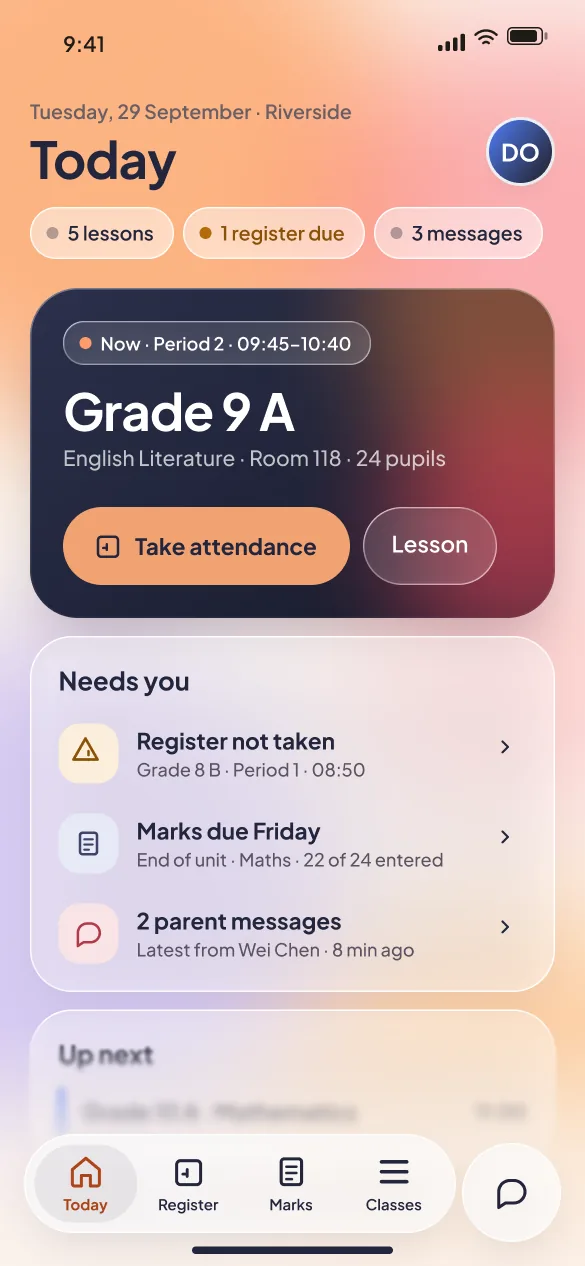
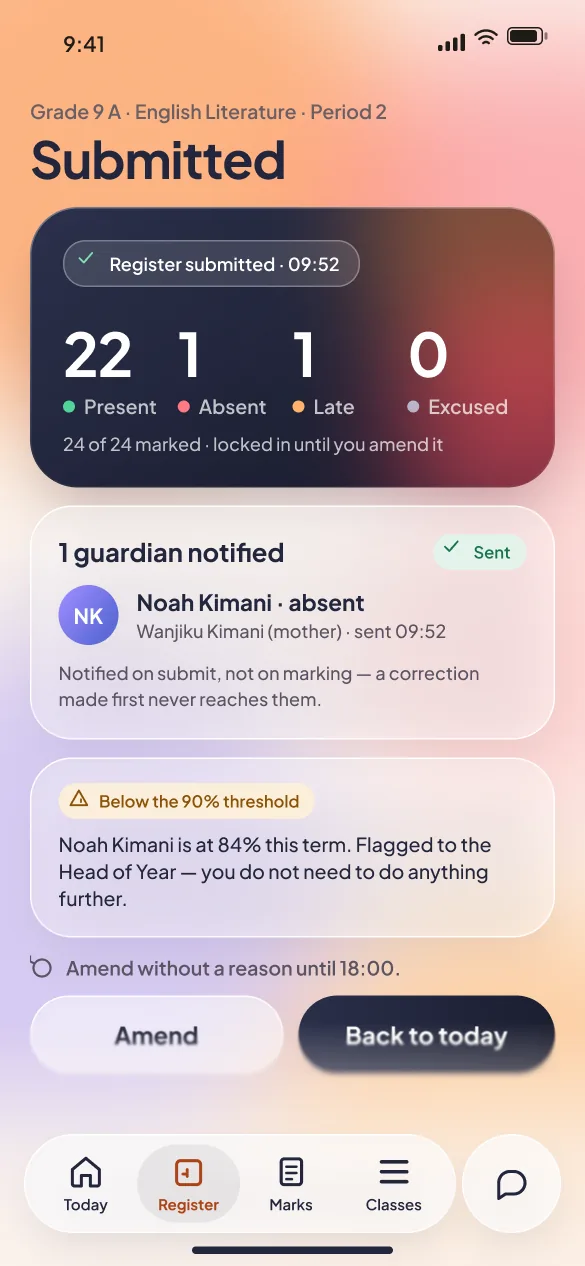
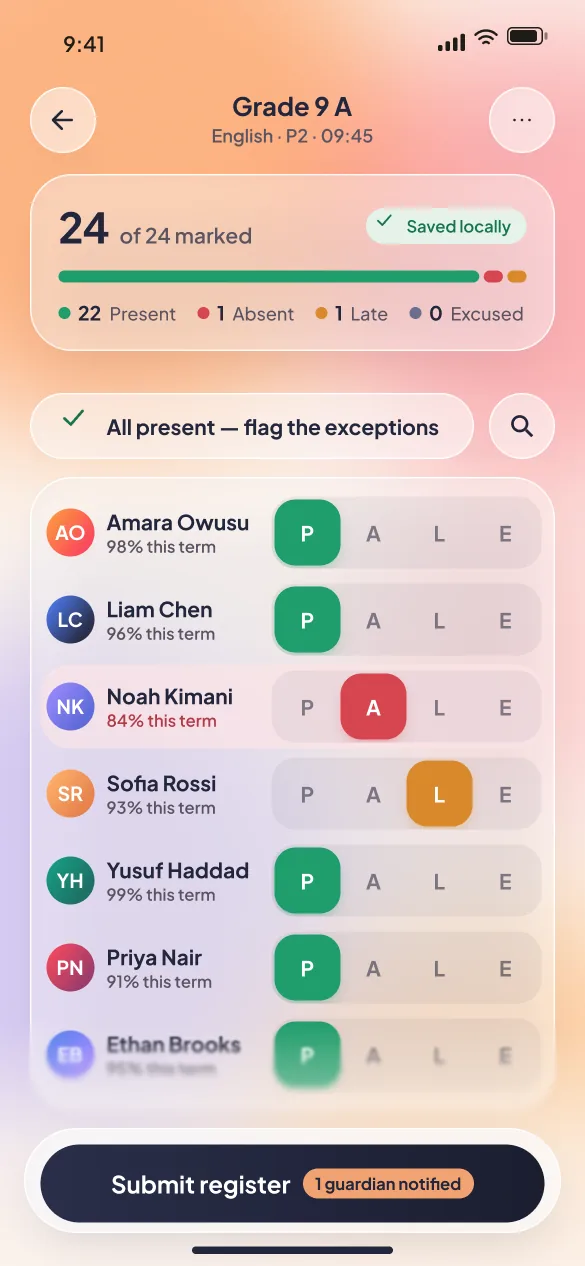
Classbell mobile attendance register: 24 of 24 marked, with a present, absent, late or excused control beside each pupil

Teachers

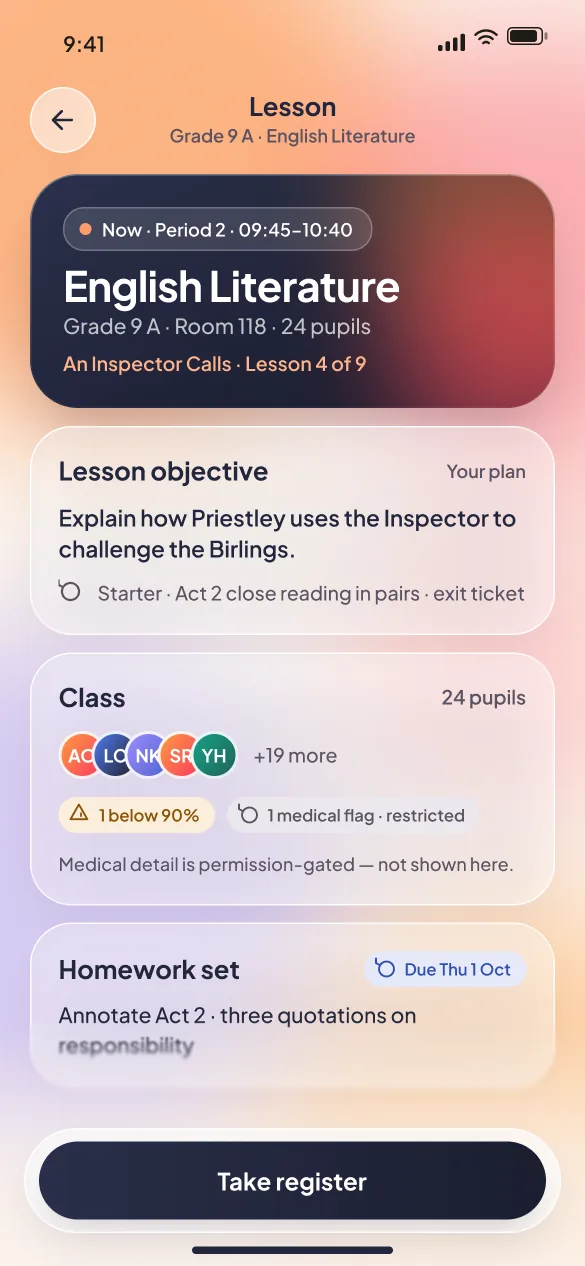
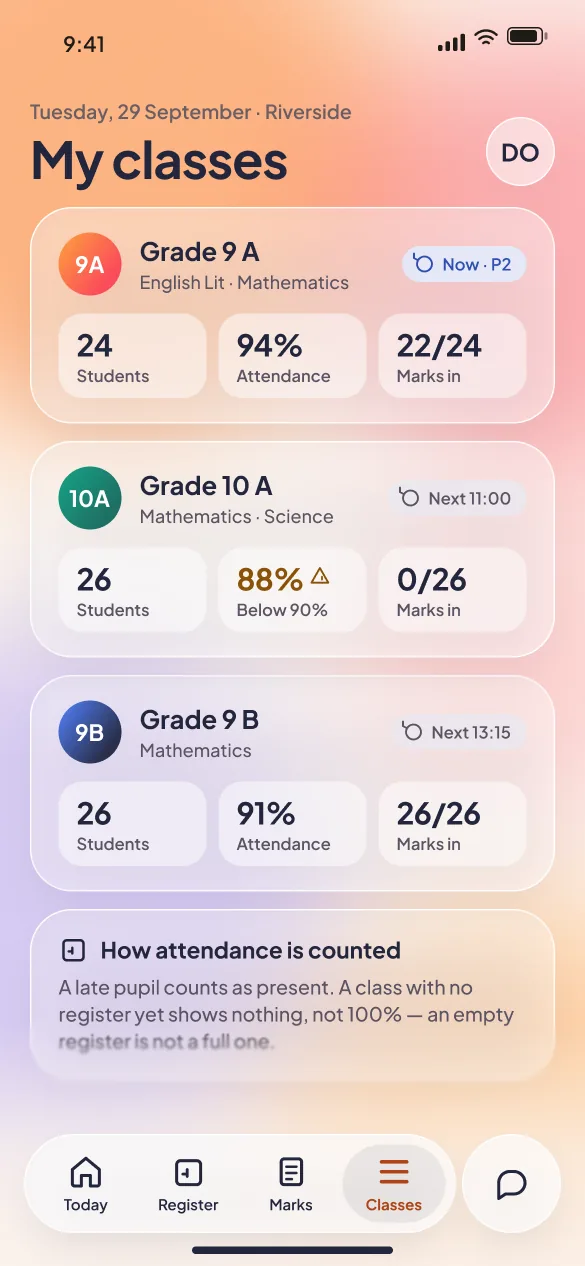
A register in the corridor, not at a desk

  • Everyone starts present — you only tap the exceptions
  • Saved on the phone first, so a dead corridor does not lose a register
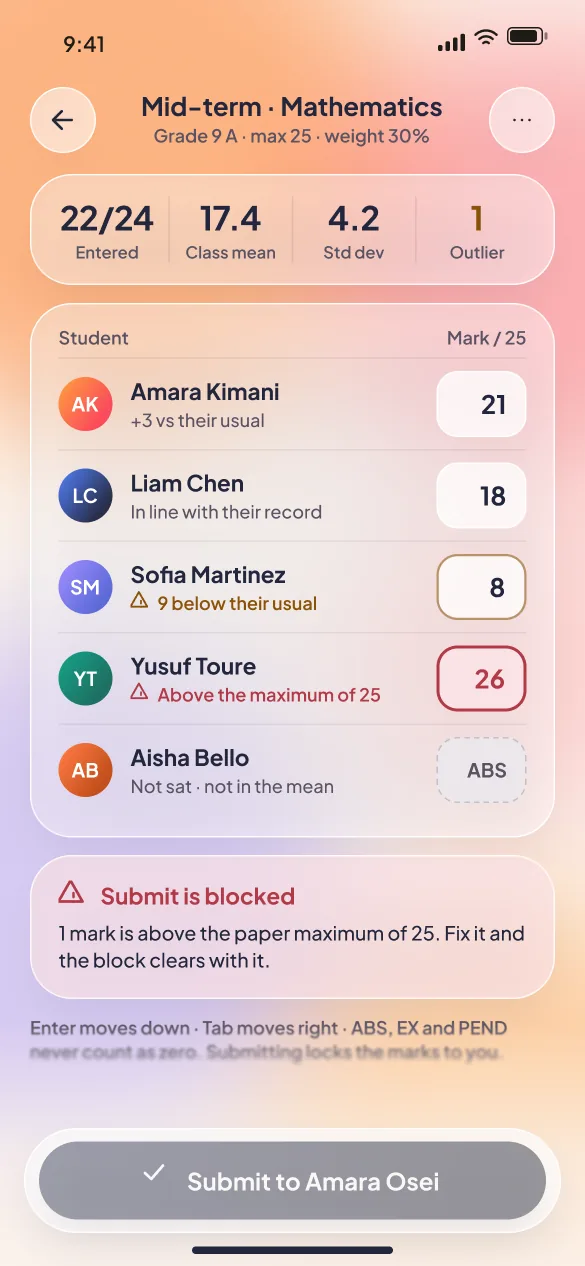
  • Marks entry that never averages an absence as a zero
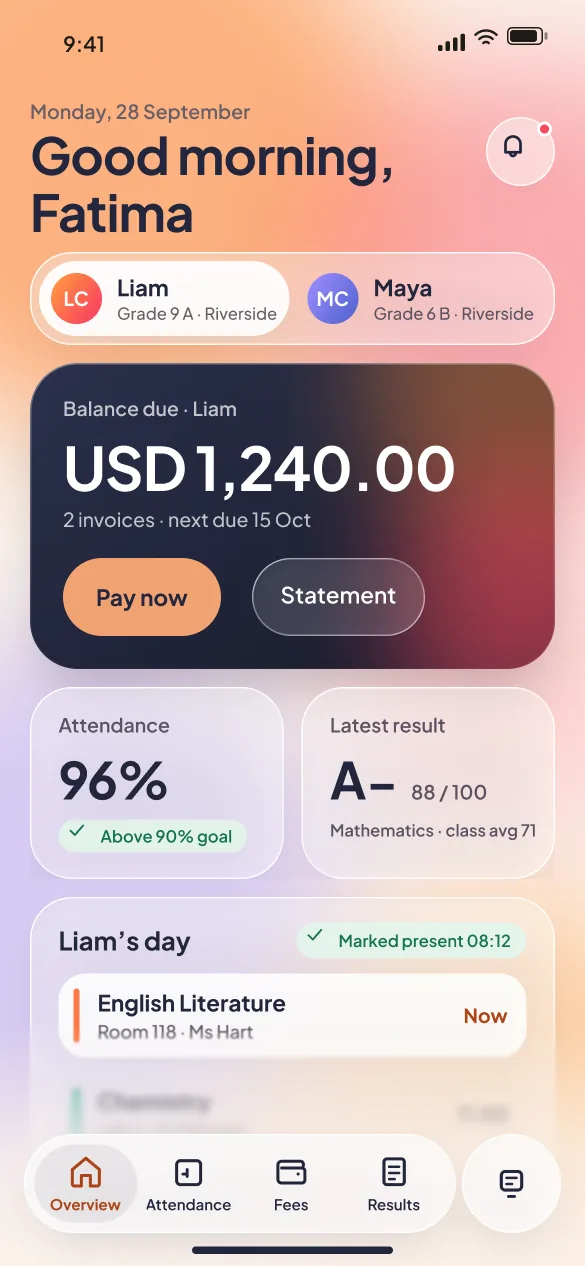
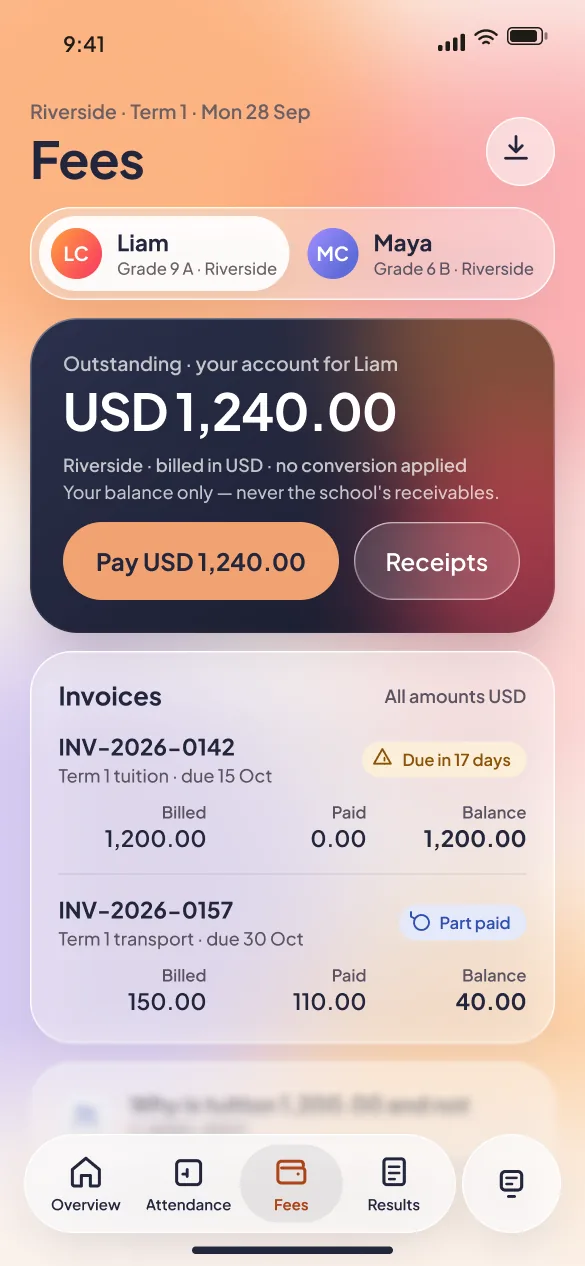
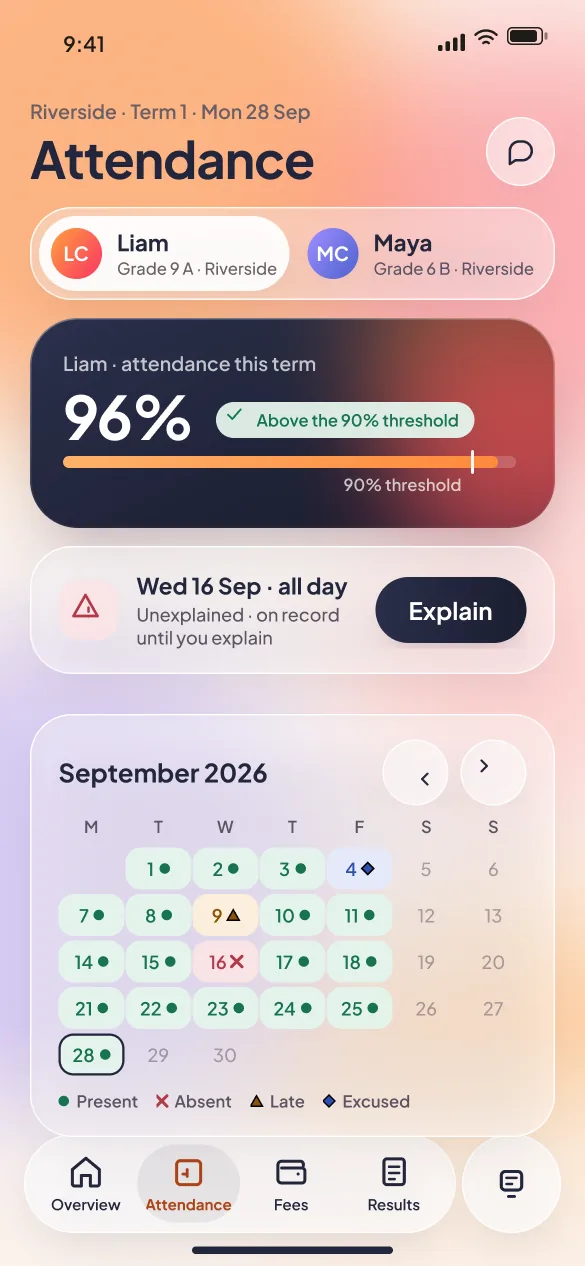
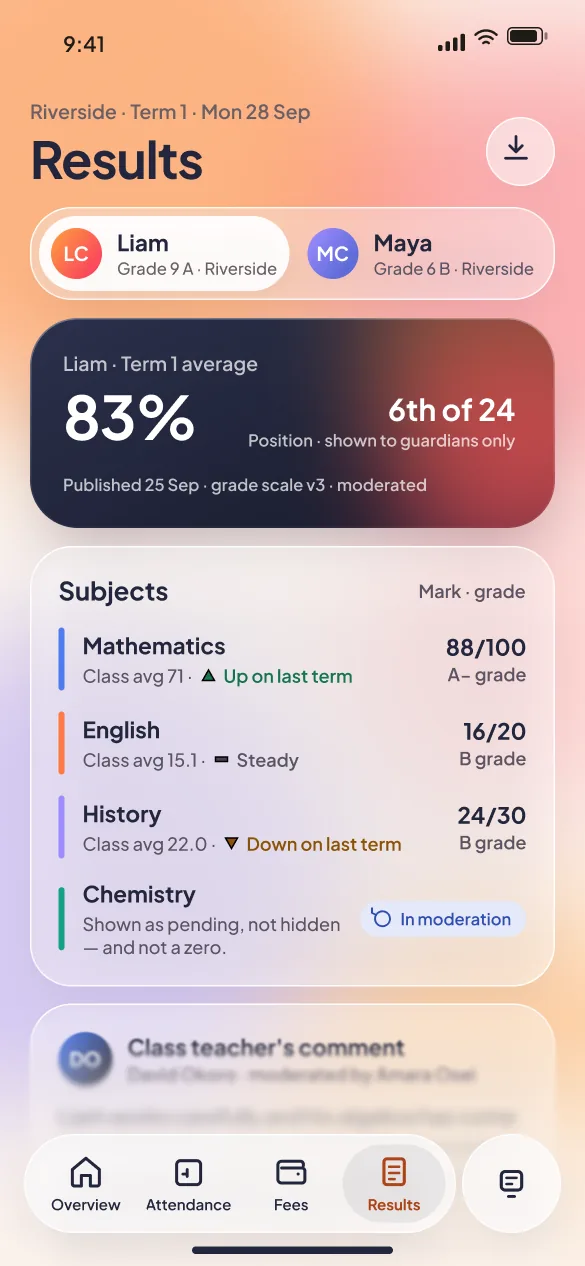
Classbell mobile parent overview: a child switcher, the balance due with a Pay now button, attendance and the latest result

Parents

Is my child OK, and do I owe anything?

  • Switch between your children in one tap
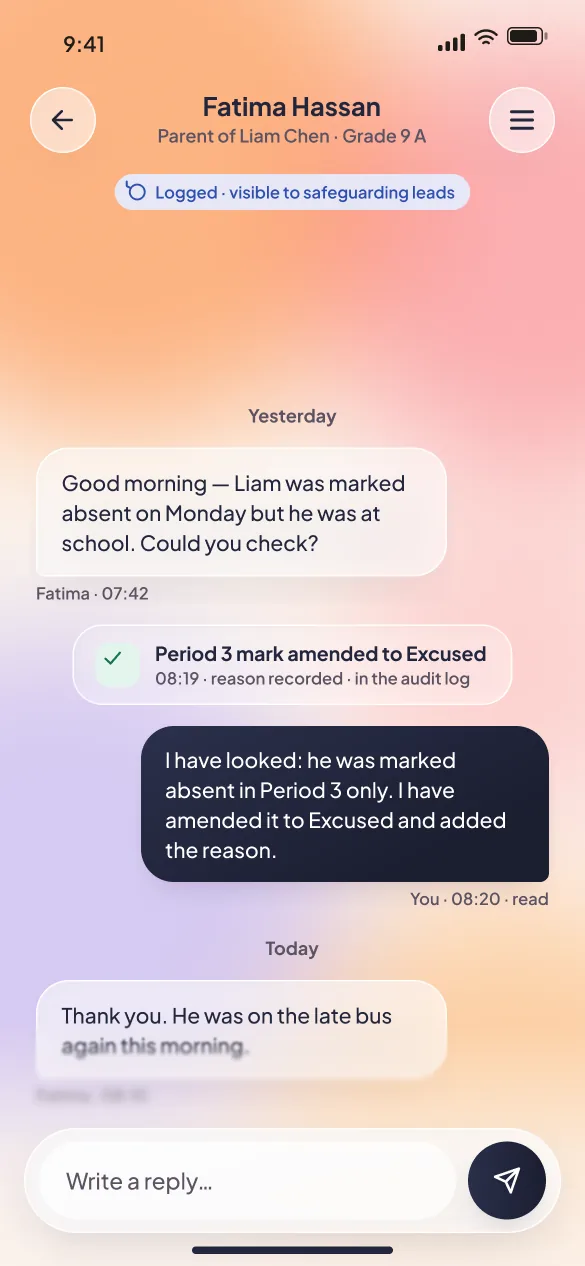
  • Explain an absence straight to the class teacher
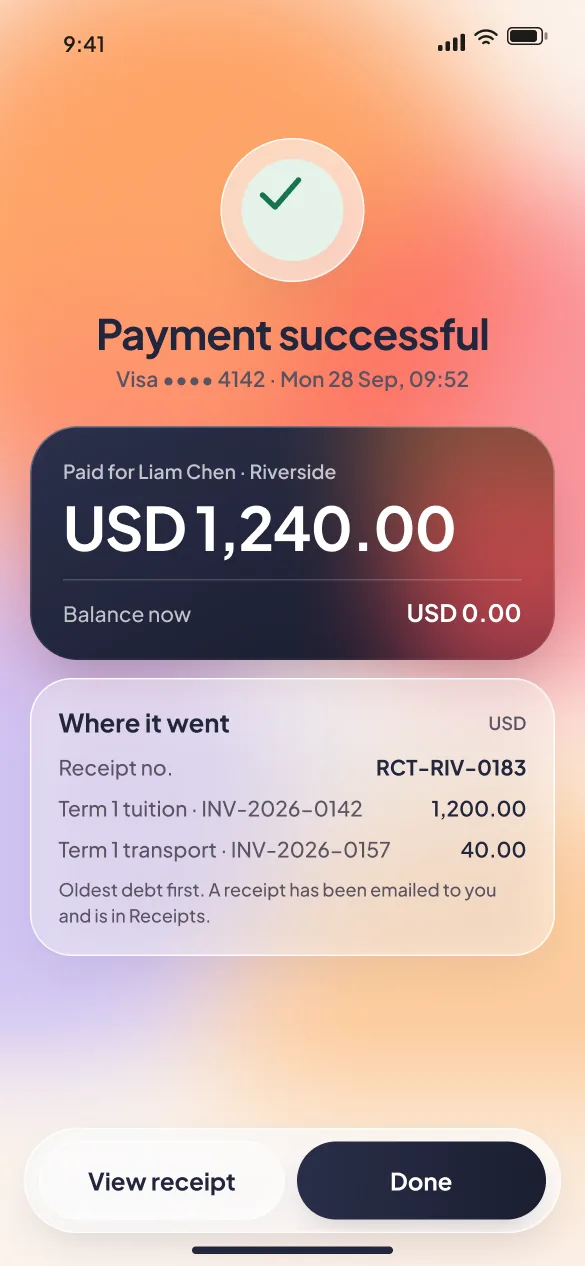
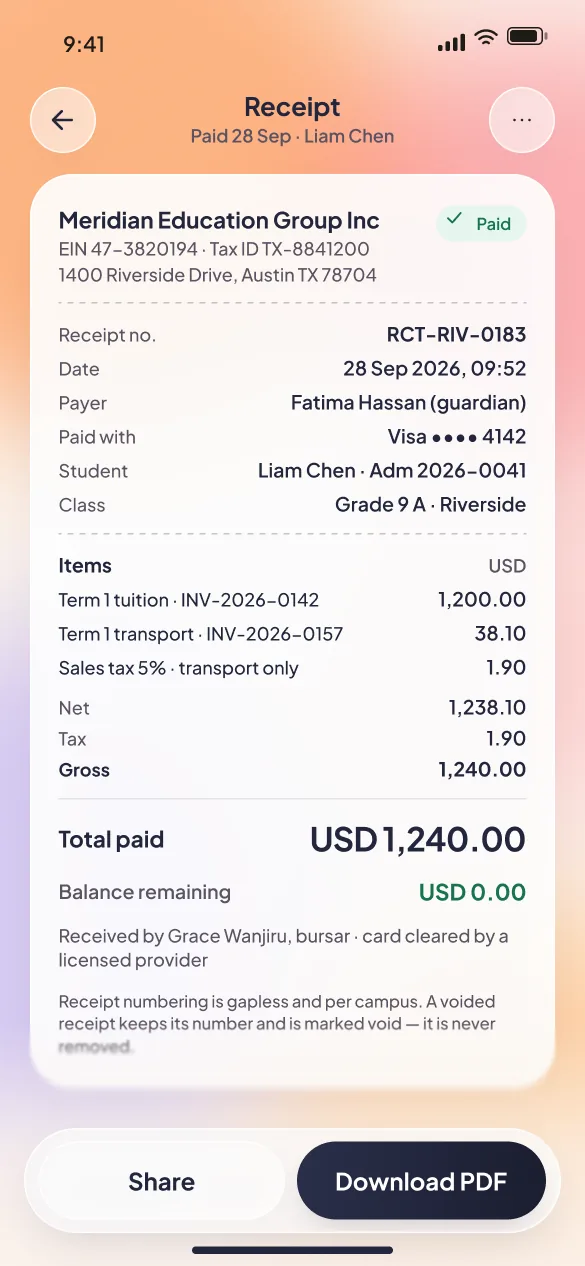
  • Pay and keep a proper receipt, with the balance remaining
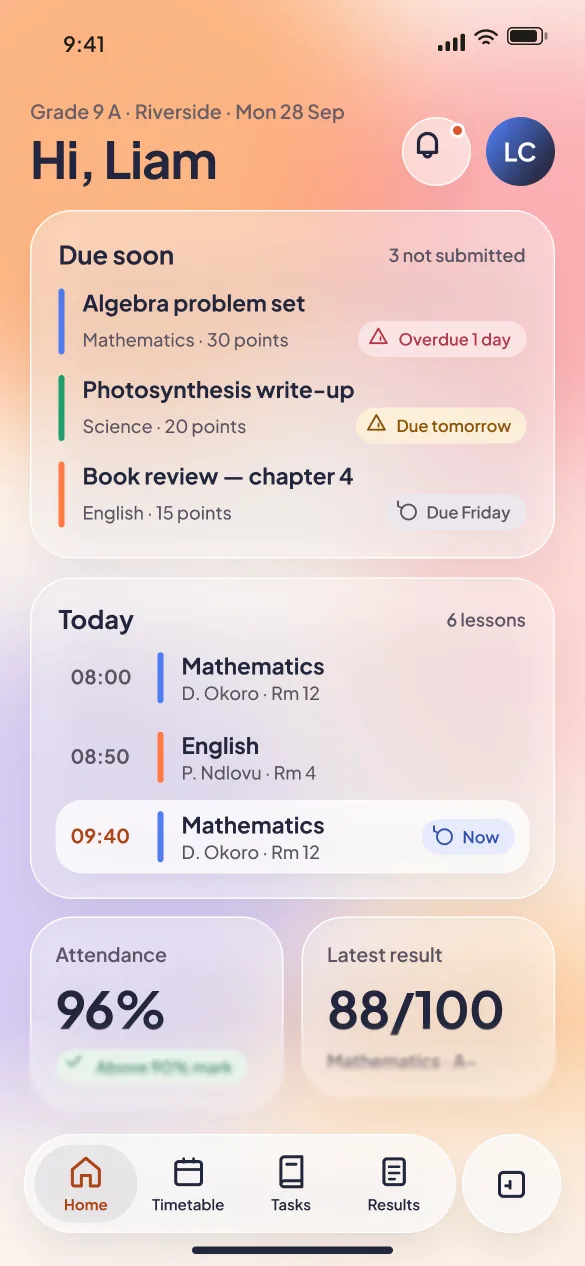
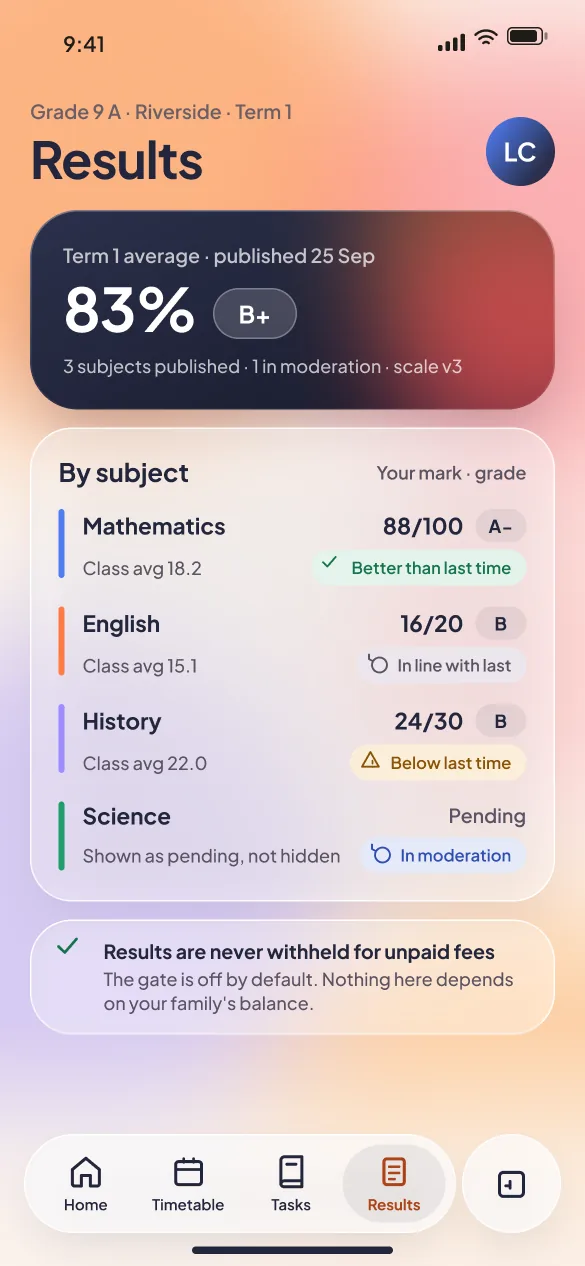
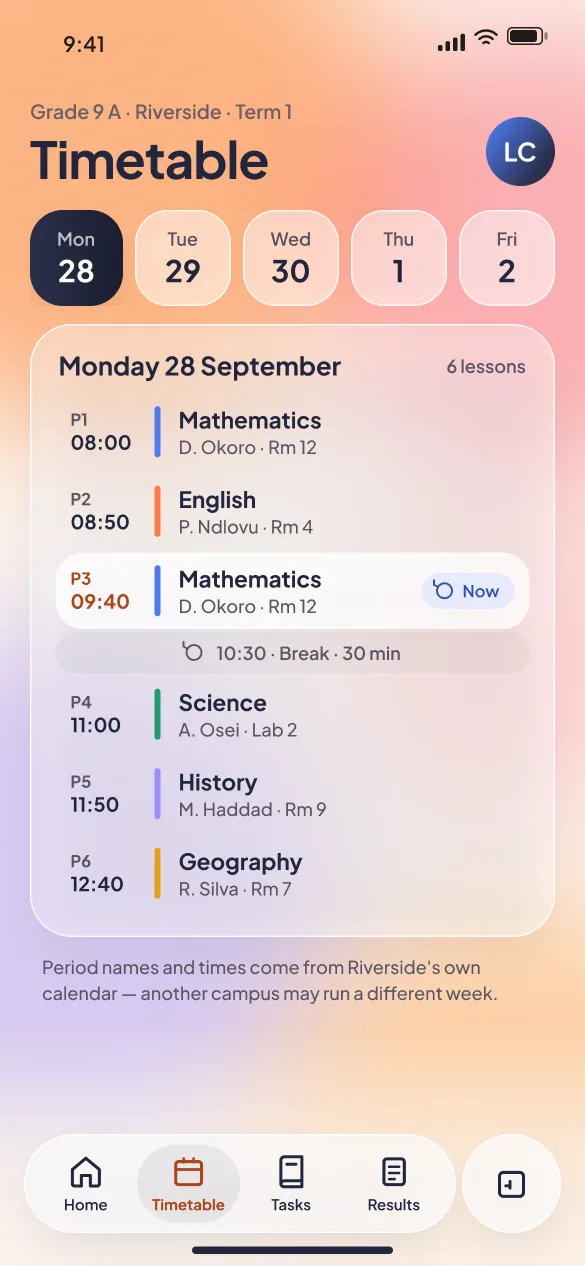
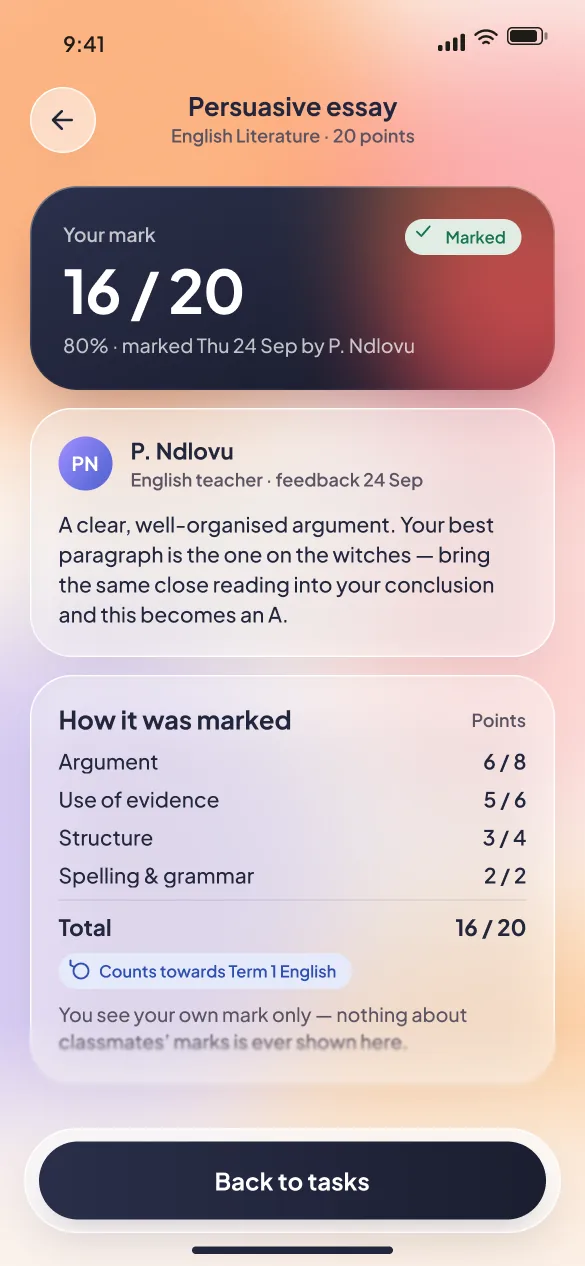
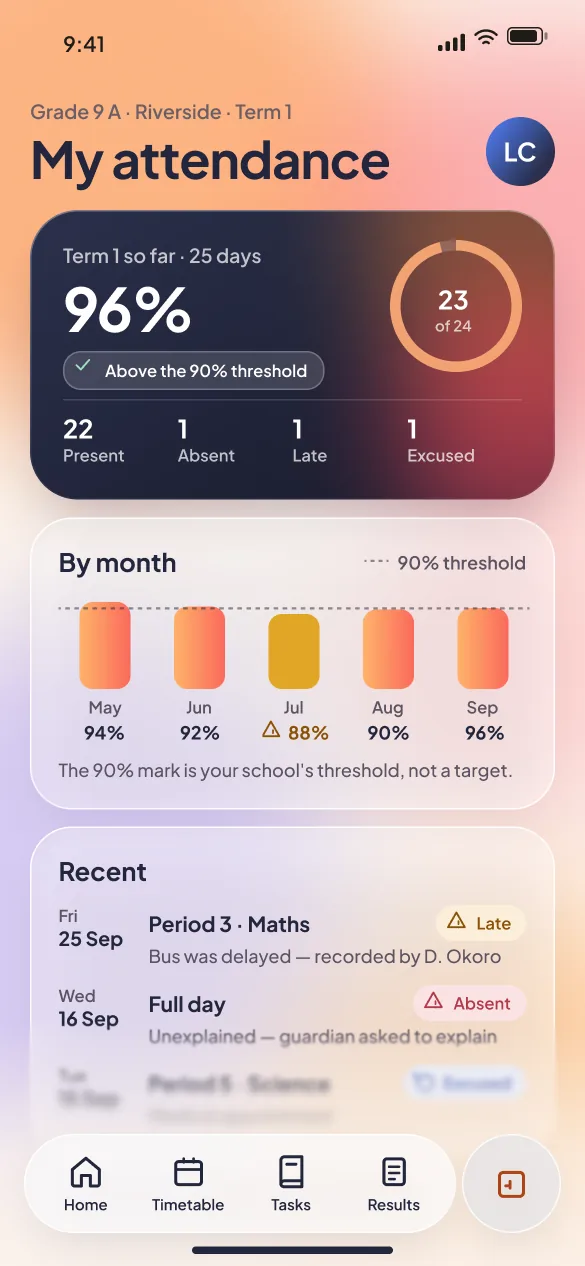
Classbell mobile student home: assignments due soon, today's lessons with the current period highlighted, and attendance

Students

What's due, and how did I do?

  • Due soon first — including what is already late
  • Today's timetable with the current lesson highlighted
  • Your own results against the class average, and nobody else's
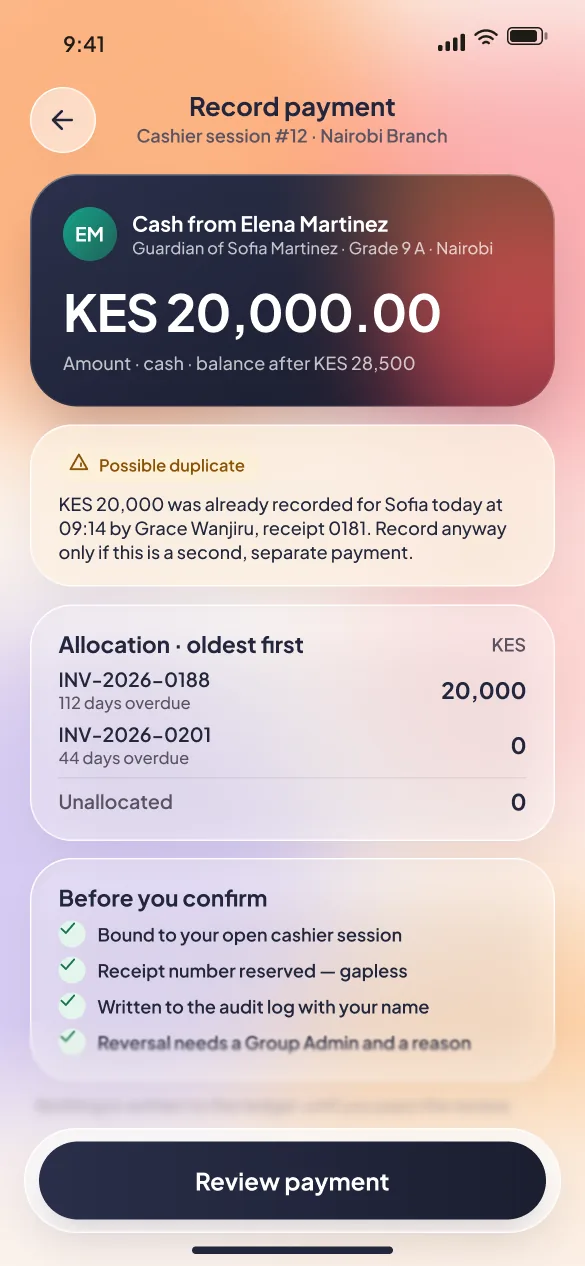
Classbell mobile cash payment: the payer, KES 20,000 allocated oldest-first across two invoices, and a duplicate-payment warning

Admins and bursars

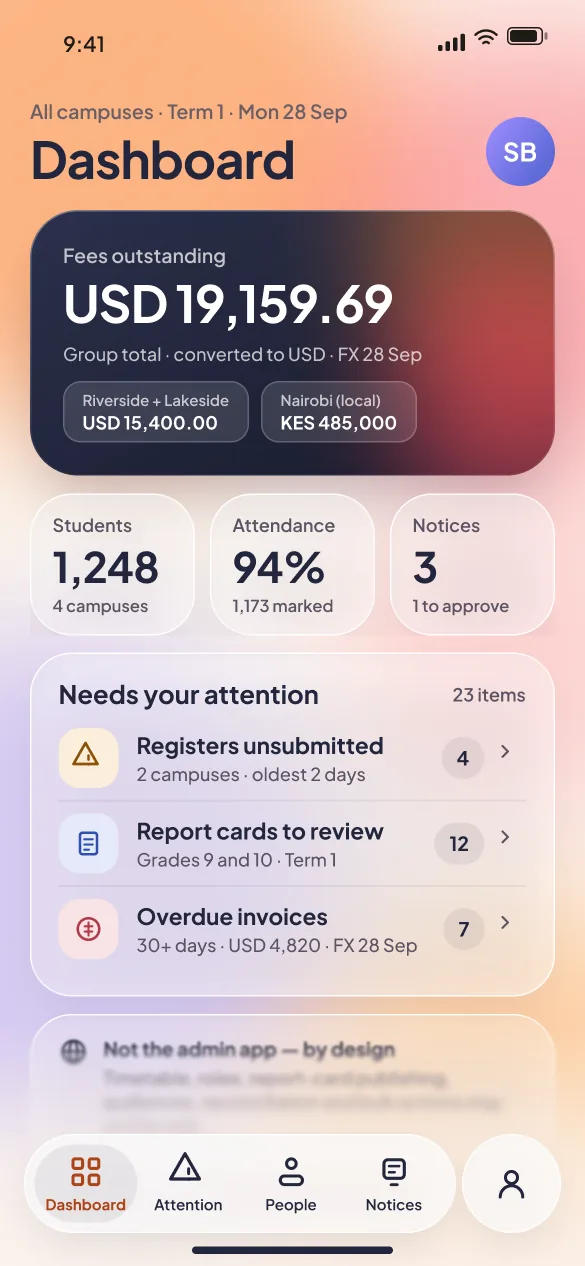
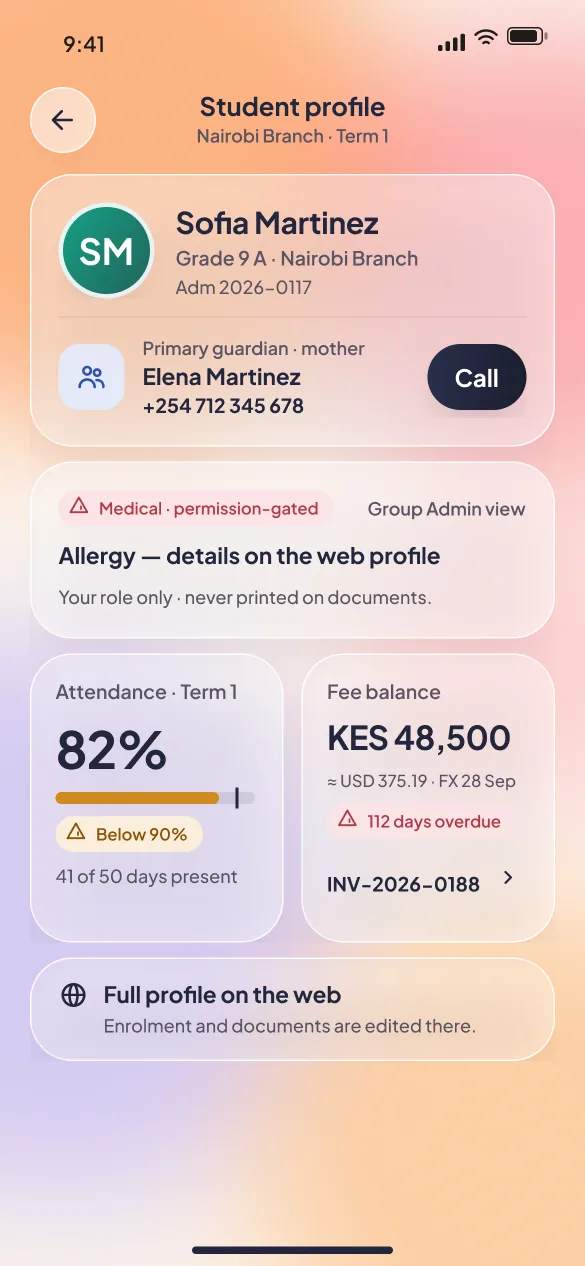
The alerts and the cash, away from the office

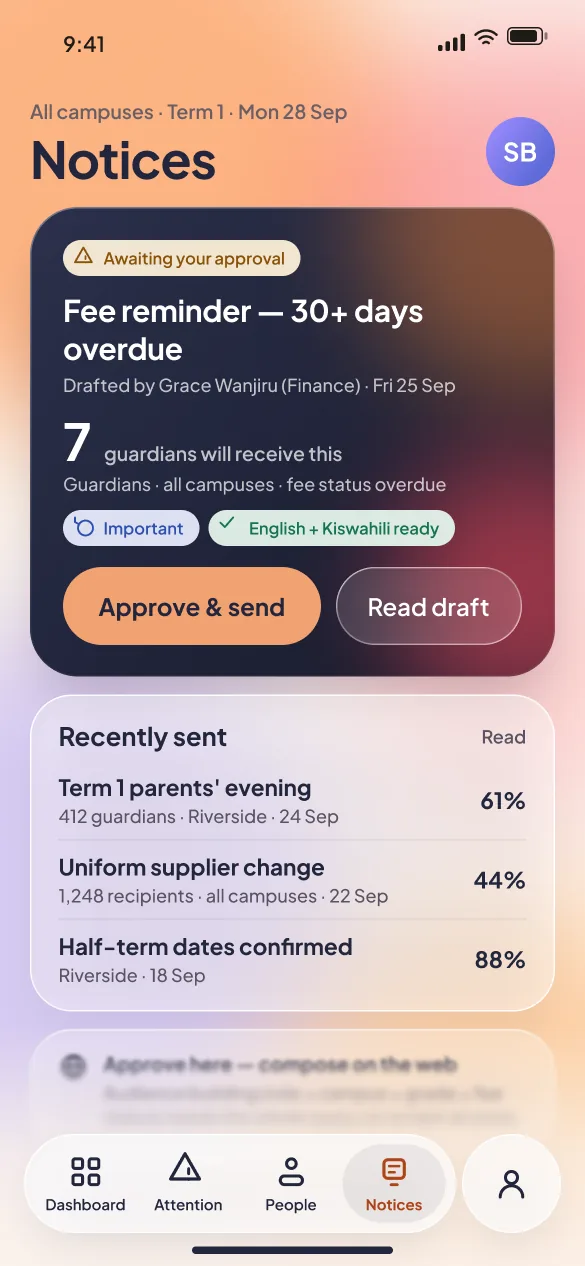
  • The attention queue and approvals, wherever you are
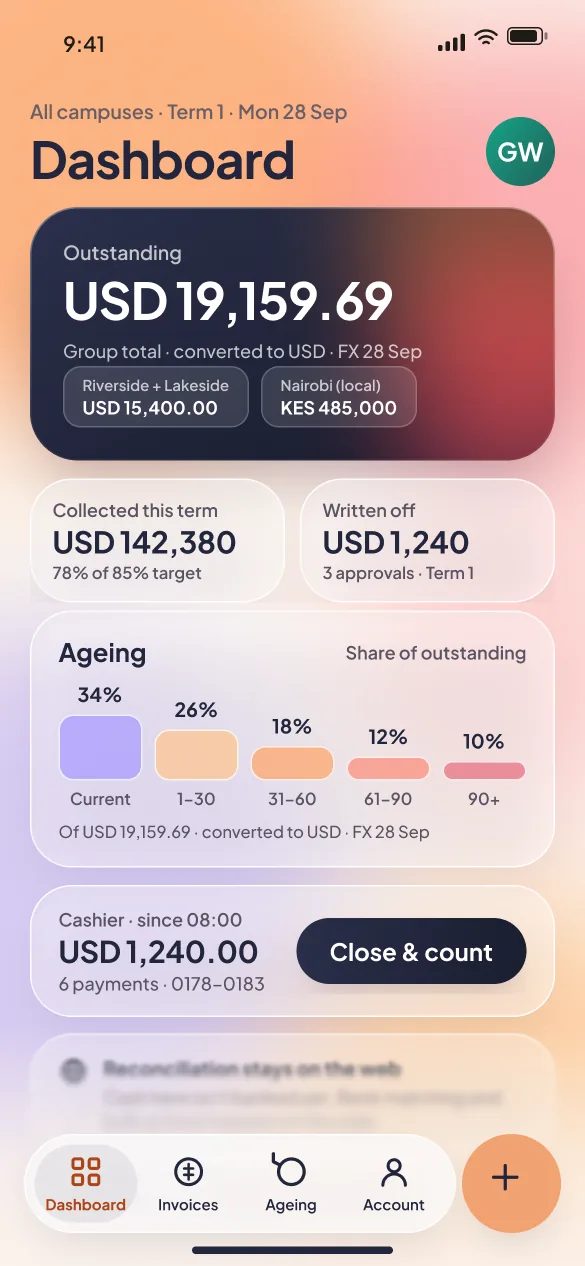
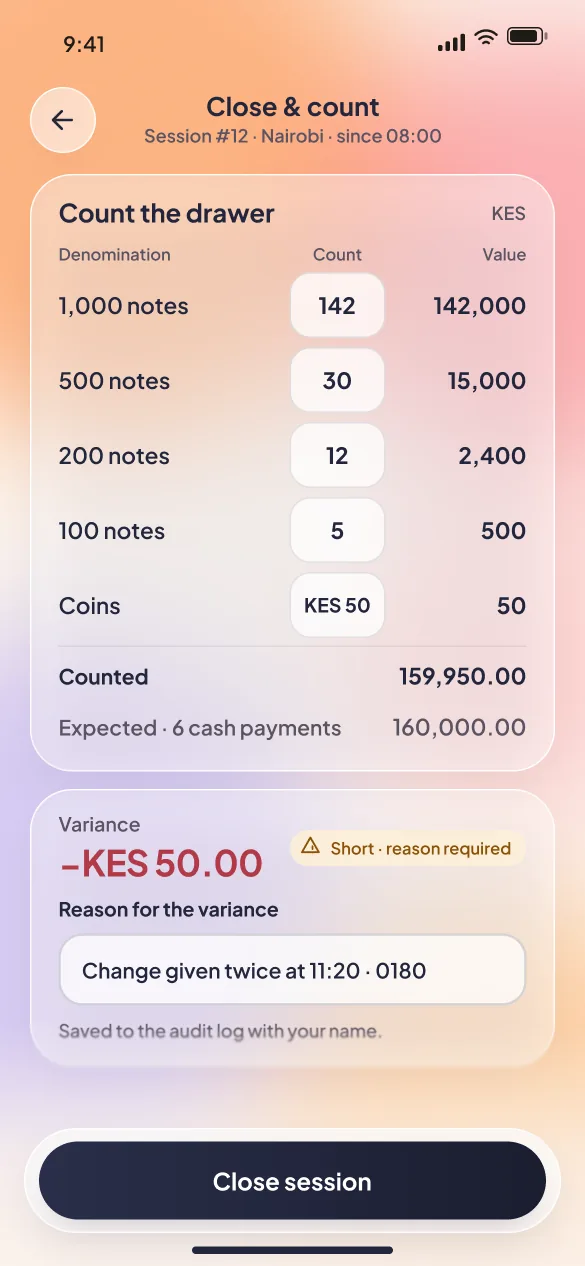
  • Take cash at the gate with a duplicate check and a reserved receipt number
  • Every figure states its currency and exchange-rate date
Why an app, not a small website

Four things only a real app can do

01

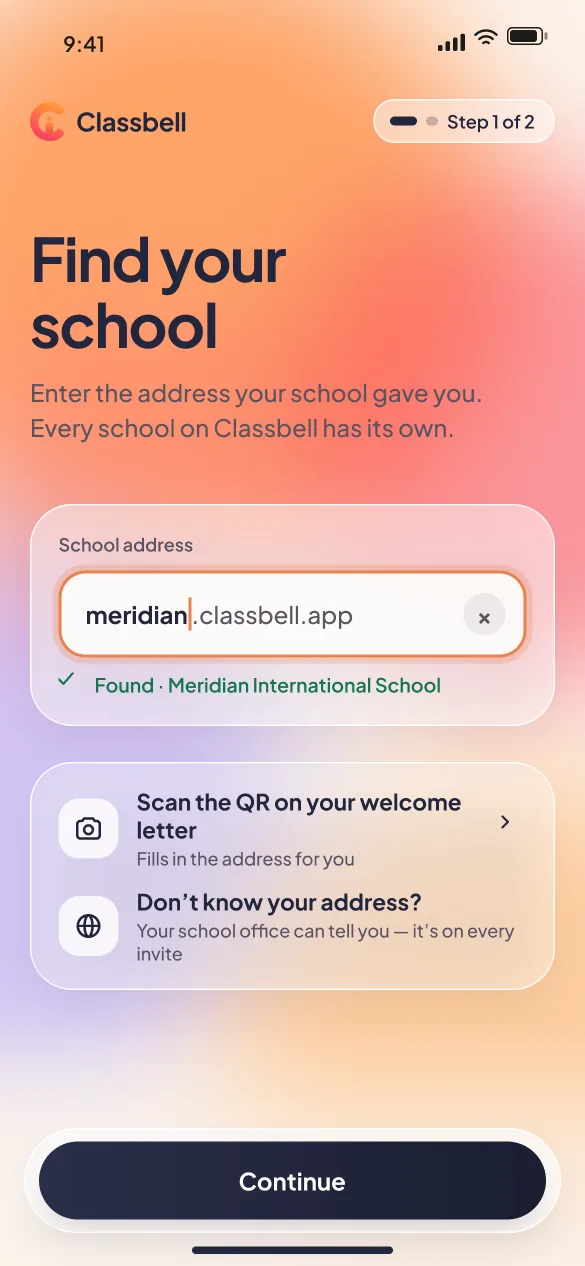
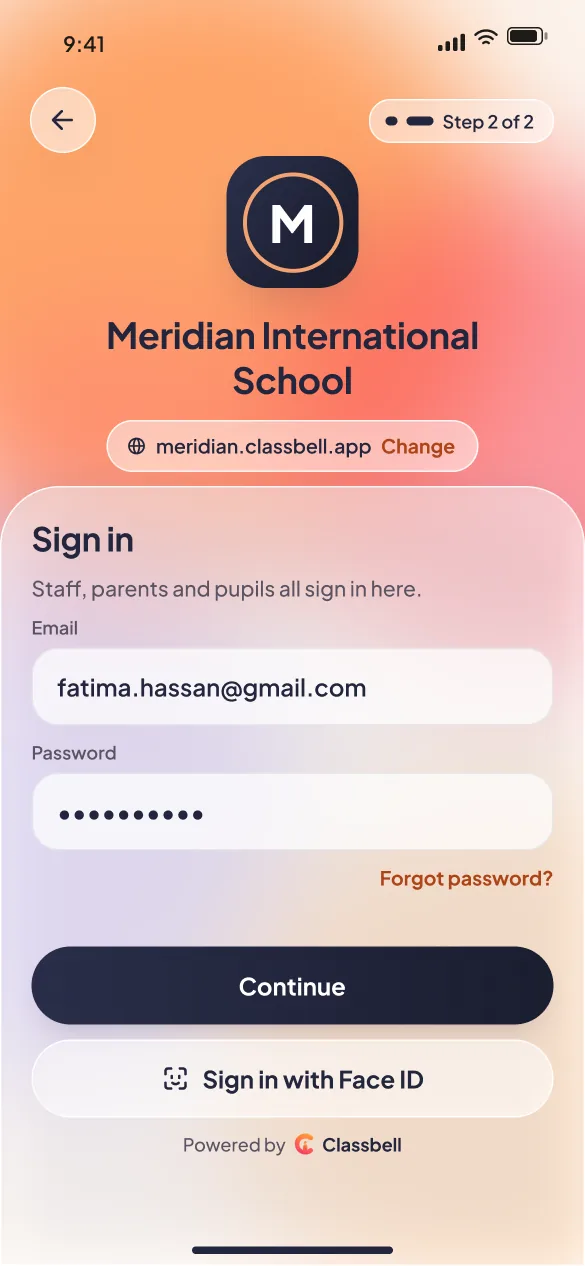
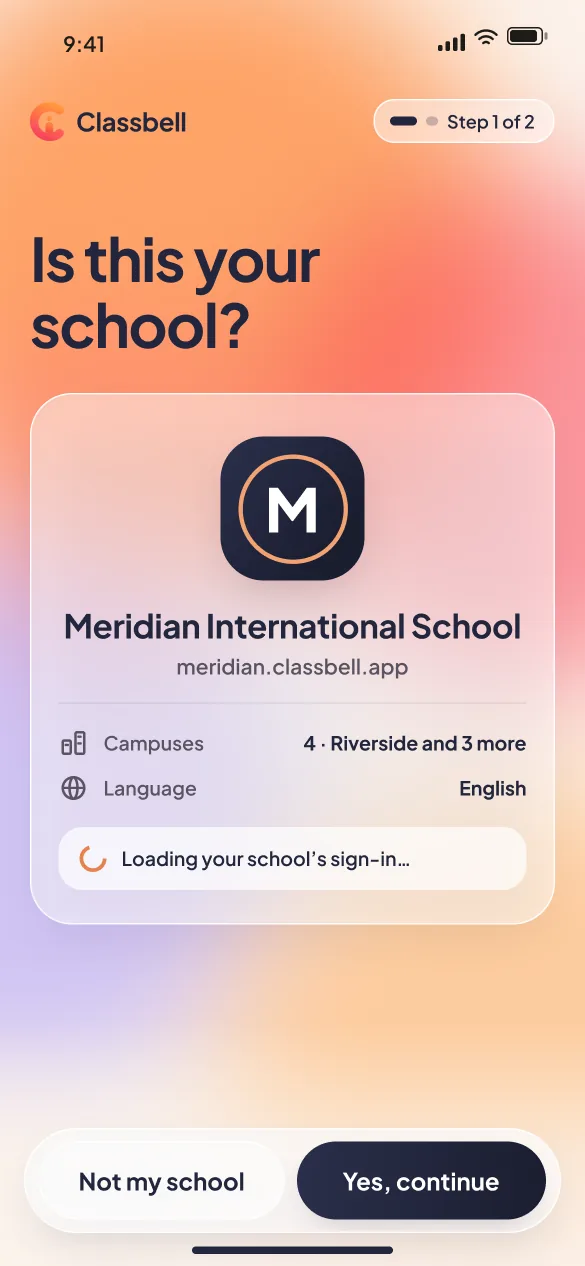
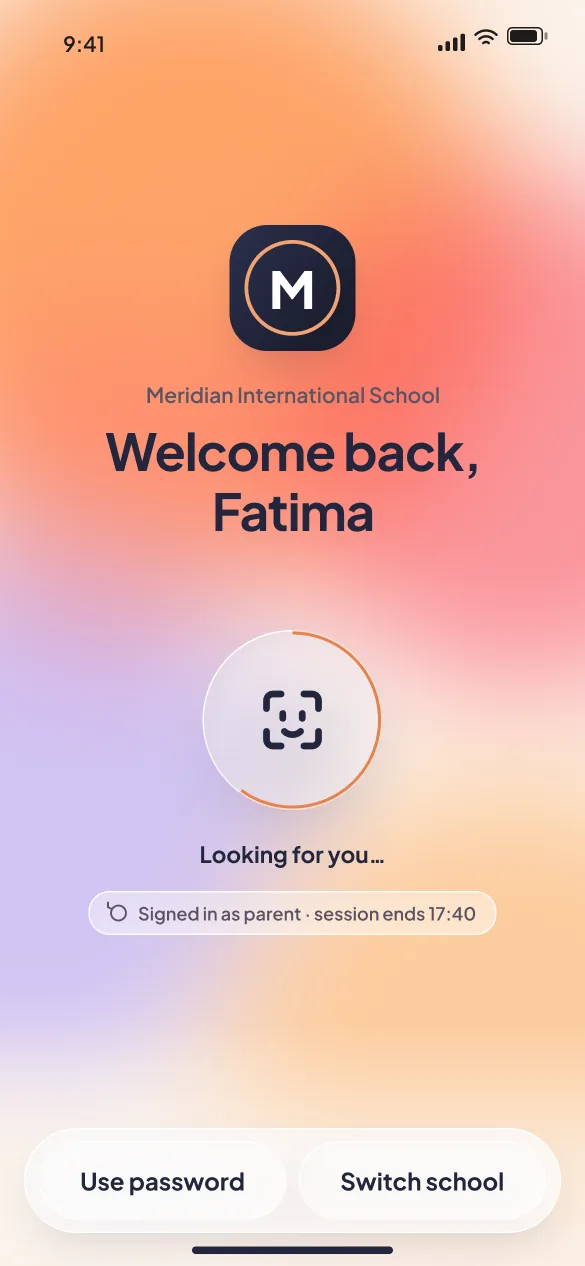
Your school's own sign-in

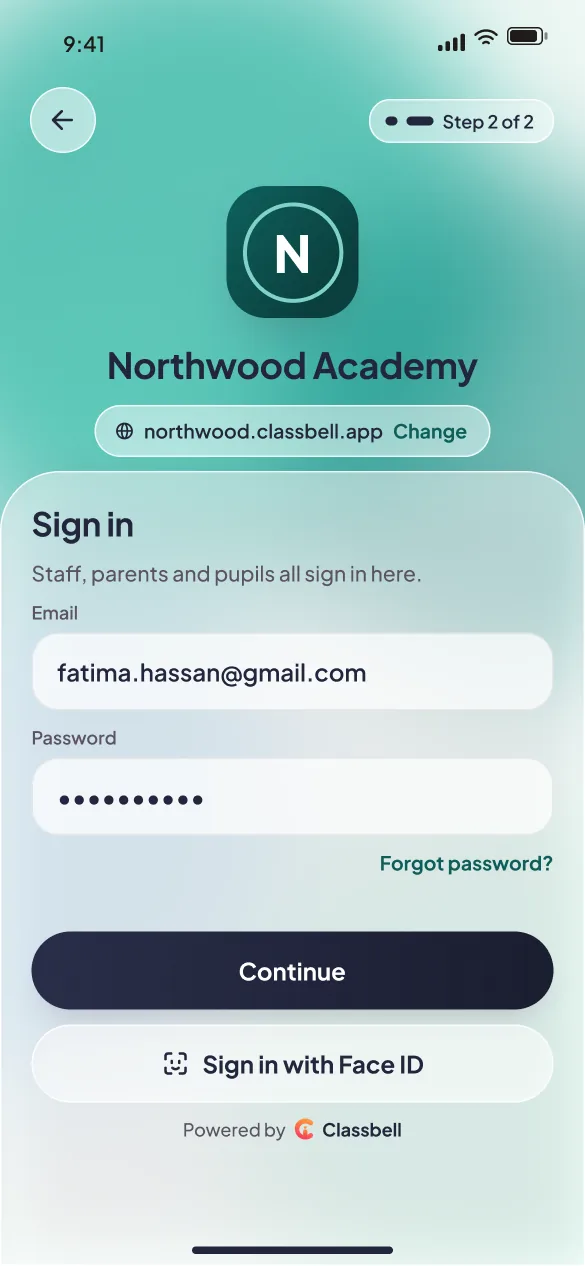
Type your school's address once. From then on the app opens on your school's name and logo, not ours.

02

Works without signal

A register taken in a stairwell is kept on the phone and sends itself when you are back online.

03

Notifications that respect scope

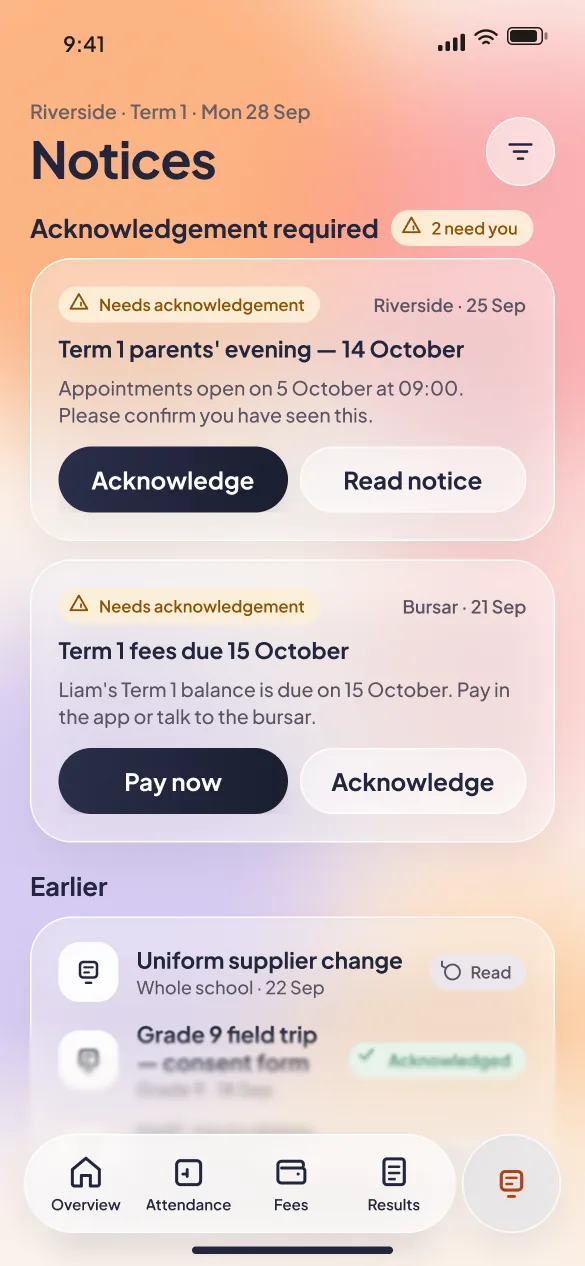
Absences, notices and fee reminders — only ever for your own children, classes or campus.

04

Face ID

Re-open your session with a glance instead of typing a password in a corridor.

Until then, Classbell runs in the browser

The app signs in to the same school, with the same login and the same records — it is another way into Classbell, not a separate product.